The era of monolithic robot design is giving way to a more flexible, efficient approach: modularity. By using standardized joint modules, engineers can assemble custom robotic arms in hours rather than months. This guide explores the principles of modular robot arm design and how to leverage standardized actuators to build versatile systems.
The Philosophy of Modular Robotics
Modular robotics is built on the idea that complex systems can be decomposed into smaller, standardized building blocks. In the context of a robotic arm, the primary building blocks are the joint modules. Instead of designing a custom housing, choosing a motor, selecting a gearbox, and integrating an encoder for every single joint, engineers use self-contained modules that include all these components in a single package. This 'Lego-like' approach allows for rapid prototyping and easy scaling. If you need a longer reach, you can swap out a link; if you need more payload capacity, you can upgrade a specific joint module without redesigning the entire arm. This modularity also extends to the software layer, where standardized communication protocols like EtherCAT or CANopen allow for plug-and-play functionality.
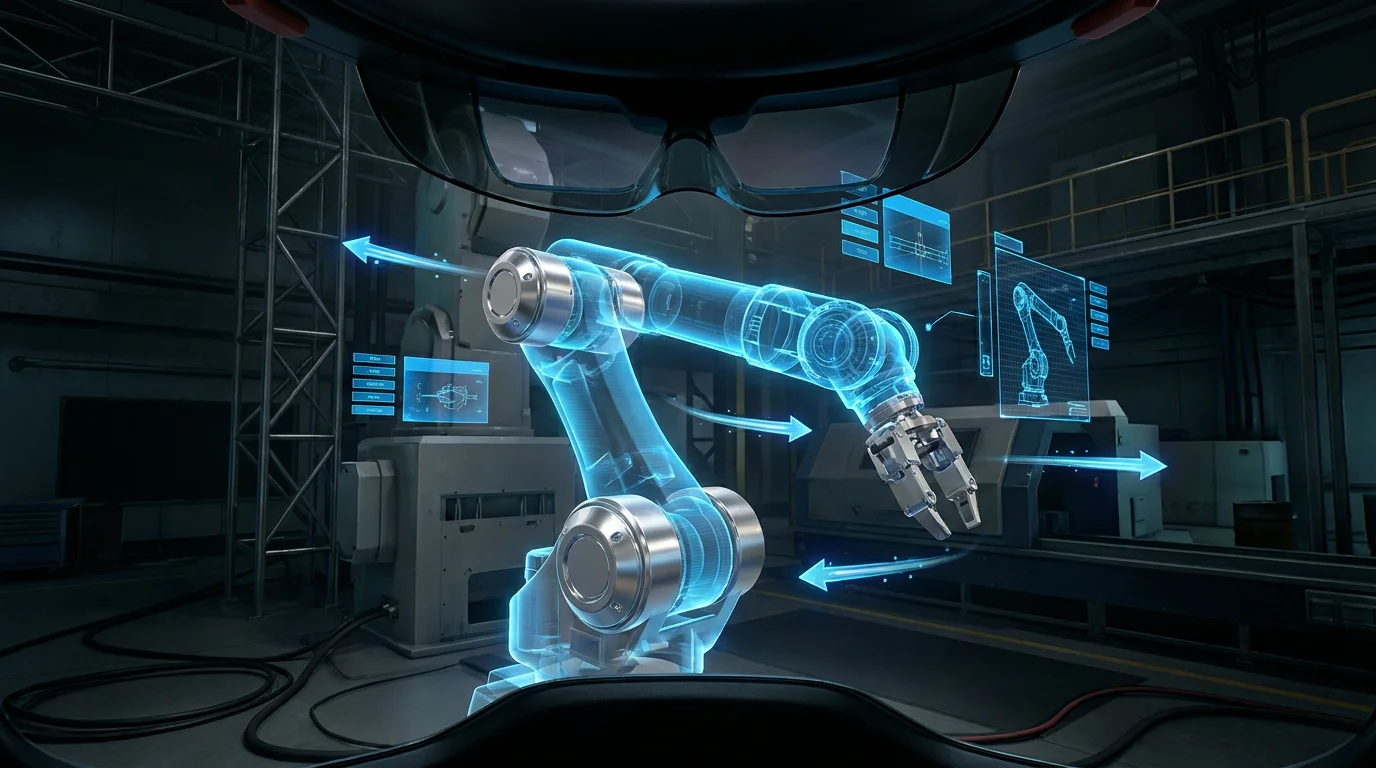
Technical illustration for How to Design a Modular Robot Arm Using Standardized Joint Modules.
Selecting the Right Standardized Modules
When designing a modular arm, the first step is selecting the appropriate joint modules based on the required degrees of freedom (DOF) and payload. Standardized modules typically come in various sizes—common diameters include 52mm, 64mm, 80mm, and 110mm. A common 6-DOF configuration might use larger, high-torque modules (like the RMD-XL or similar high-torque actuators) for the base and shoulder joints, and smaller, lighter modules for the wrist. Key specifications to consider include rated torque, peak torque, and gear ratio. For example, a base joint requires high torque to support the entire arm's weight and dynamic loads, while the wrist joints prioritize speed and precision for end-effector positioning. Using a family of modules from a single manufacturer ensures consistent electrical interfaces and software compatibility.
Mechanical Interface and Link Design
The 'glue' that holds a modular robot together is the mechanical interface between the joints. Most professional-grade modular actuators use a standardized bolt pattern on their output flange and a stationary mounting surface. Designing the links (the segments between the joints) involves creating rigid structures, often made of carbon fiber tubes or machined aluminum, that connect these interfaces. It's crucial to minimize the weight of these links while maintaining high stiffness to avoid vibration and deflection. Cable management is another critical aspect of mechanical design. Standardized modules often feature hollow-shaft designs, allowing power and communication cables to pass through the center of the joint, preventing cable tangling and wear during complex maneuvers.
Technical illustration for How to Design a Modular Robot Arm Using Standardized Joint Modules.
Control Architecture and Power Distribution
A modular robot requires a decentralized control architecture. Each joint module has its own integrated driver and controller, which communicates with a central master (like a PC or a dedicated robot controller). Power distribution is typically handled by a high-voltage DC bus (e.g., 48V), which is daisy-chained from one module to the next. For communication, EtherCAT is the industry favorite for its low latency and high bandwidth, enabling real-time synchronization of all axes. This setup simplifies wiring significantly—instead of a massive bundle of cables running back to a central cabinet, you only need a few wires (Power +, Power -, and Communication) running through the arm's structure.
Software and Kinematic Configuration
The final piece of the puzzle is the software that translates desired end-effector positions into individual joint angles. Because the modules are standardized, manufacturers often provide URDF (Unified Robot Description Format) files or CAD models that can be easily imported into simulation environments like ROS2 or MoveIt. Designing a modular arm means you can quickly update your kinematic model whenever the physical configuration changes. By defining the Denavit-Hartenberg (D-H) parameters for your specific assembly, the control software can calculate the forward and inverse kinematics required for precise movement. This flexibility allows for the creation of specialized robots—such as long-reach arms for inspection or high-payload arms for material handling—using the same set of core joint modules.
Ready to start your build?
Our engineering team is ready to help you select the perfect robot joint modules for your application. Get expert advice and a custom quotation within 24 hours.
Get a Quote & DatasheetRelated articles you might find useful: