CANopen is one of the most widely used communication protocols in the robotics industry, prized for its reliability and low hardware cost. While EtherCAT is often chosen for high-end real-time control, CANopen remains the practical choice for many laboratory, educational, and light-industrial robots. This guide covers the basics of setting up and troubleshooting CANopen for robot joint modules.
1. Understanding CANopen Objects: SDO and PDO
CANopen communication is centered around the Object Dictionary (OD). There are two primary ways to move data. Service Data Objects (SDO) are used for configuration—reading and writing parameters like acceleration limits or encoder offsets. They are 'confirmed' transfers, meaning the joint acknowledges every message. Process Data Objects (PDO), on the other hand, are for real-time motion. They are 'unconfirmed' and fast, used to stream position commands or torque feedback at regular intervals (e.g., every 10ms). Configuring your PDO mapping correctly is essential for smooth motion; typically, you'll want to map target position, actual position, and status words into your RPDOs and TPDOs.
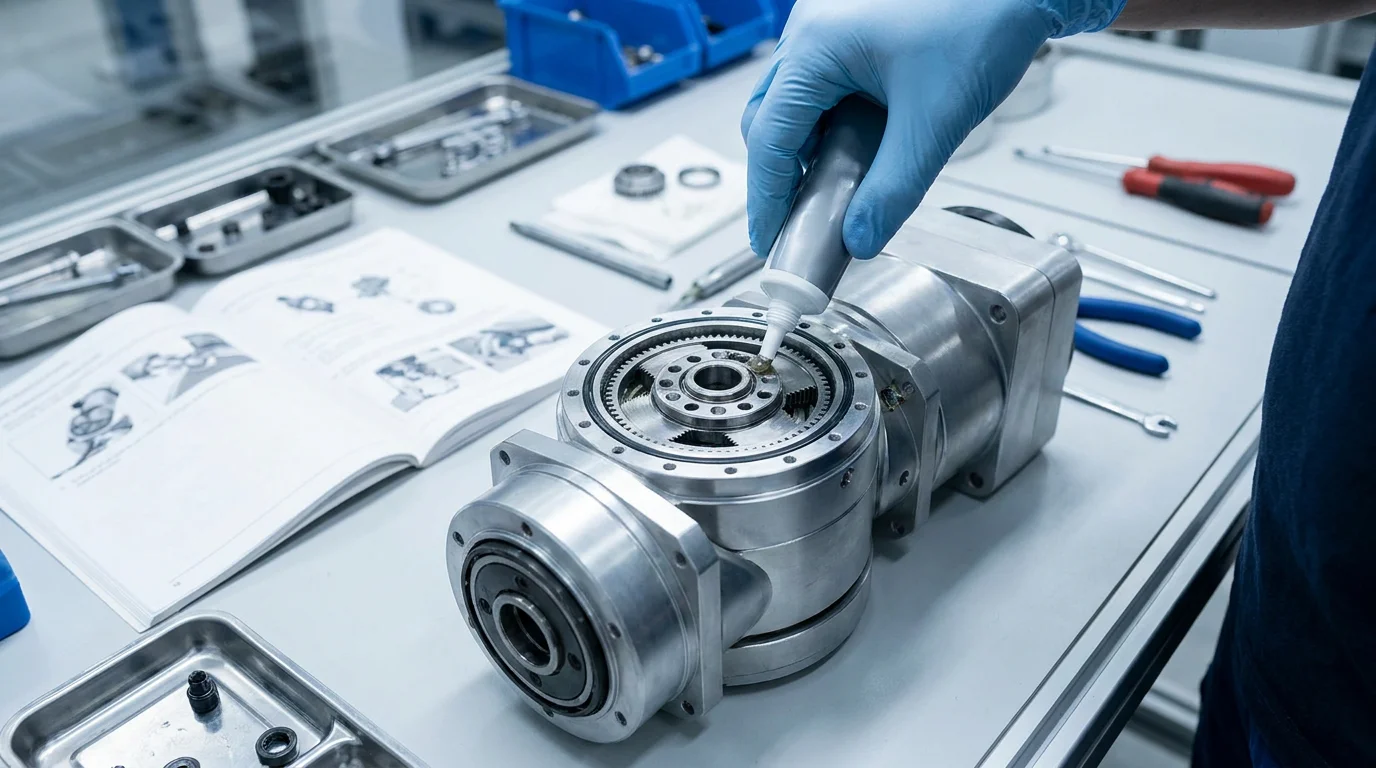
Technical illustration for CANopen for Robot Joint Modules: Setup and Troubleshooting.
2. Physical Layer: Wiring and Termination
The most common source of CANopen failures isn't software—it's wiring. CAN bus requires a twisted pair with a 120-ohm termination resistor at each physical end of the bus. Without these resistors, signal reflections will cause intermittent 'Node Guarding' or 'Heartbeat' errors. When wiring multiple PlaPivot joint modules in a daisy-chain, ensure the total bus length is within the limits for your chosen baud rate (e.g., 1Mbps is limited to ~40 meters). Using shielded cables and keeping the CAN lines away from high-voltage motor power lines is also critical for preventing EMI-related packet loss.
3. Troubleshooting Common Error Codes
If your joint module isn't responding, check the 'Statusword' (Object 6041h). Common issues include 'Pre-Operational' state (the master hasn't sent the NMT 'Start' command), 'Voltage Disabled' (missing 48V motor power), or 'Fault' (check the Error Code object 603Fh). A 'Heartbeat Timeout' usually indicates a wiring break or an overloaded bus where the joint can't send its status message in time. We recommend using a CAN analyzer tool (like a PCAN-USB or similar) to 'sniff' the bus traffic during development; this allows you to see exactly which messages are being dropped or delayed.
Technical illustration for CANopen for Robot Joint Modules: Setup and Troubleshooting.
4. Optimizing Performance for Multi-Axis Sync
To get 'EtherCAT-like' performance out of CANopen, you must use SYNC messages. The SYNC object (usually 0x80) acts as a global heartbeat. When the master sends a SYNC message, all joints latch their current position and process the next movement command simultaneously. This prevents 'jitter' in 6-axis robots where one joint might otherwise start moving a few milliseconds before the others. By carefully managing your bus load and using a 1ms or 5ms SYNC interval, you can achieve highly coordinated multi-axis movement suitable for complex path following and trajectory planning.
Ready to start your build?
Our engineering team is ready to help you select the perfect robot joint modules for your application. Get expert advice and a custom quotation within 24 hours.
Get a Quote & DatasheetRelated articles you might find useful: