The moment of truth in any robotics project is the first time the motors move. For integrated joint modules, the 'setup' phase is often the most daunting part for beginners. However, because our modules contain the motor, driver, and encoder in one unit, the process is significantly streamlined. This guide will take you from a box of parts to a fully operational, moving robotic joint.
Hardware Connections: Power and Communication
Step one is getting power to the unit. Most PlaPivot modules operate on 48V DC. It is critical to use a power supply capable of handling the peak current during acceleration—typically 2-3 times the continuous current rating. For wiring, we utilize a simplified connector system. You'll have two main lines: the DC power bus and the communication bus (CAN or EtherCAT). Ensure that your CAN bus is properly terminated with a 120-ohm resistor at the end of the chain to prevent signal reflections and data corruption.
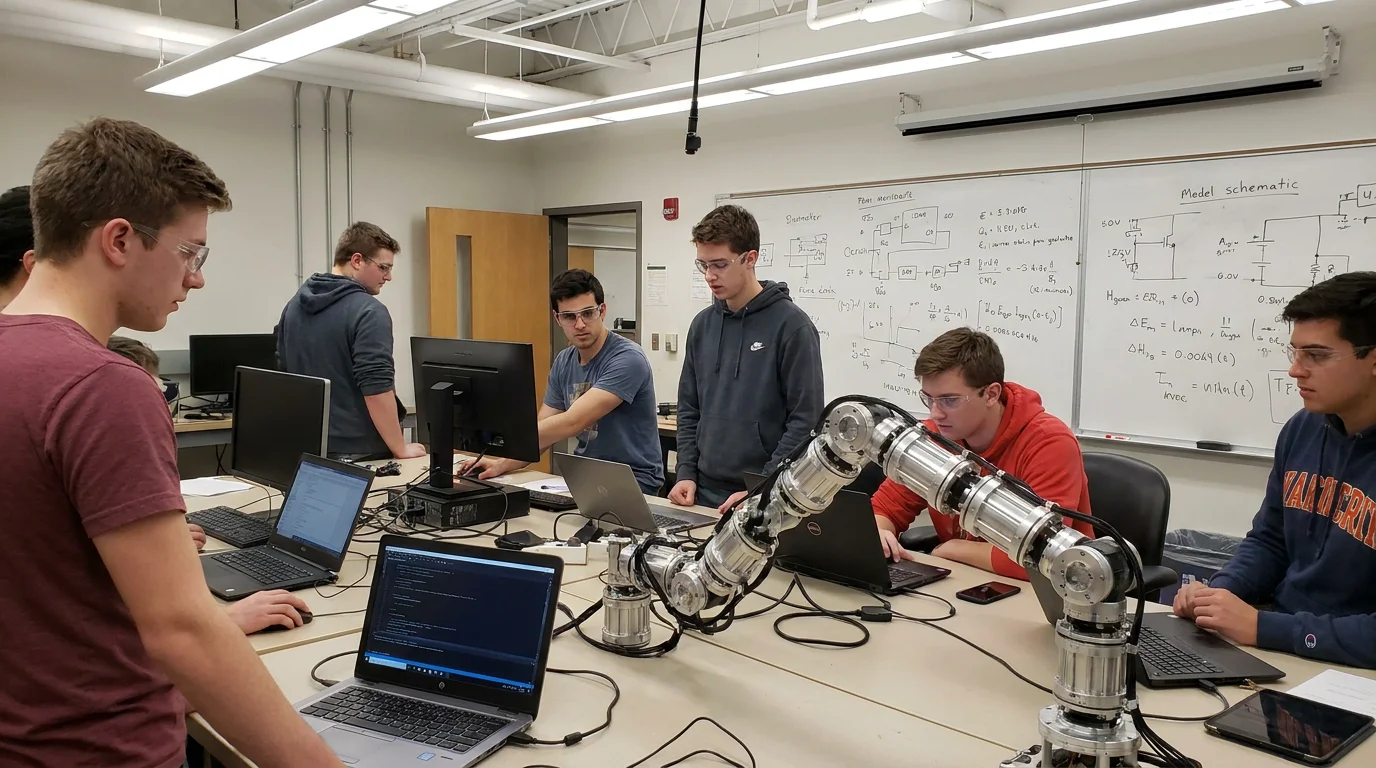
Technical illustration for Robot Joint Module Controller Setup: From Zero to First Movement.
Installing the Configuration Software
Before you can command the joint via ROS or a PLC, you must configure its internal parameters using our 'PivotAssistant' software. Connect the module to your PC via a USB-to-CAN or USB-to-EtherCAT adapter. The software allows you to assign a unique ID to each joint, set the baud rate, and define safety limits such as maximum velocity and torque. This is also where you calibrate the 'zero position' of the absolute encoder, which tells the robot where 'straight up' is in its coordinate system.
Initial Tuning: Current, Velocity, and Position Loops
All servo systems rely on PID loops. In an integrated module, the 'Current Loop' is pre-tuned at the factory. However, the 'Velocity' and 'Position' loops depend on the load you've attached to the joint (the mass of your robotic arm). Start with low gains and gradually increase them until the joint responds briskly without oscillating. Use the 'Step Response' tool in our software to visualize the performance. A well-tuned joint will reach its target position with minimal overshoot and zero steady-state error.
Technical illustration for Robot Joint Module Controller Setup: From Zero to First Movement.
Safety First: Configuring Soft Limits and E-Stops
Before running full speed, configure your 'Soft Limits.' These are software-defined boundaries that prevent the robot from hitting its mechanical hard stops or colliding with its own base. You should also test the 'Enable' and 'Disable' logic. In an emergency, the controller must be able to cut power to the motor and engage the electromagnetic brake instantly. Verify that the 'Safe Torque Off' (STO) functionality is correctly wired to your system's emergency stop button.
Your First Movement: The 'Hello World' of Robotics
Now for the exciting part. Use the software's 'Manual Jog' mode to move the joint by 10 degrees. If the joint moves smoothly and maintains its position when stopped, congratulations! You are ready to transition to programmatic control. Whether you are using Python, C++, or a specialized robotics framework, the logic remains the same: send a target position, monitor the status word, and handle any exceptions. From here, you can begin chaining multiple modules together to create complex, multi-degree-of-freedom motions.
Ready to start your build?
Our engineering team is ready to help you select the perfect robot joint modules for your application. Get expert advice and a custom quotation within 24 hours.
Get a Quote & DatasheetRelated articles you might find useful: