The journey from a concept to a physical robot starts in the digital world of CAD (Computer-Aided Design). Integrating standardized joint modules into your design workflow can save weeks of work—but only if you know how to handle the data correctly. This guide provides best practices for using PlaPivot CAD models to ensure your physical build matches your digital twin perfectly.
The Power of the STEP File
We provide detailed 3D models for all our joint modules, typically in the universal STEP format. When you import these into SolidWorks, Fusion 360, or Inventor, you get more than just a shape. Our models include accurate internal geometry for mounting holes, cable exit points, and connector locations. We recommend using the 'Simplified' models for large assemblies to keep your CAD performance high, while switching to the 'Detailed' models when you are finalizing the cable routing and enclosure clearances.
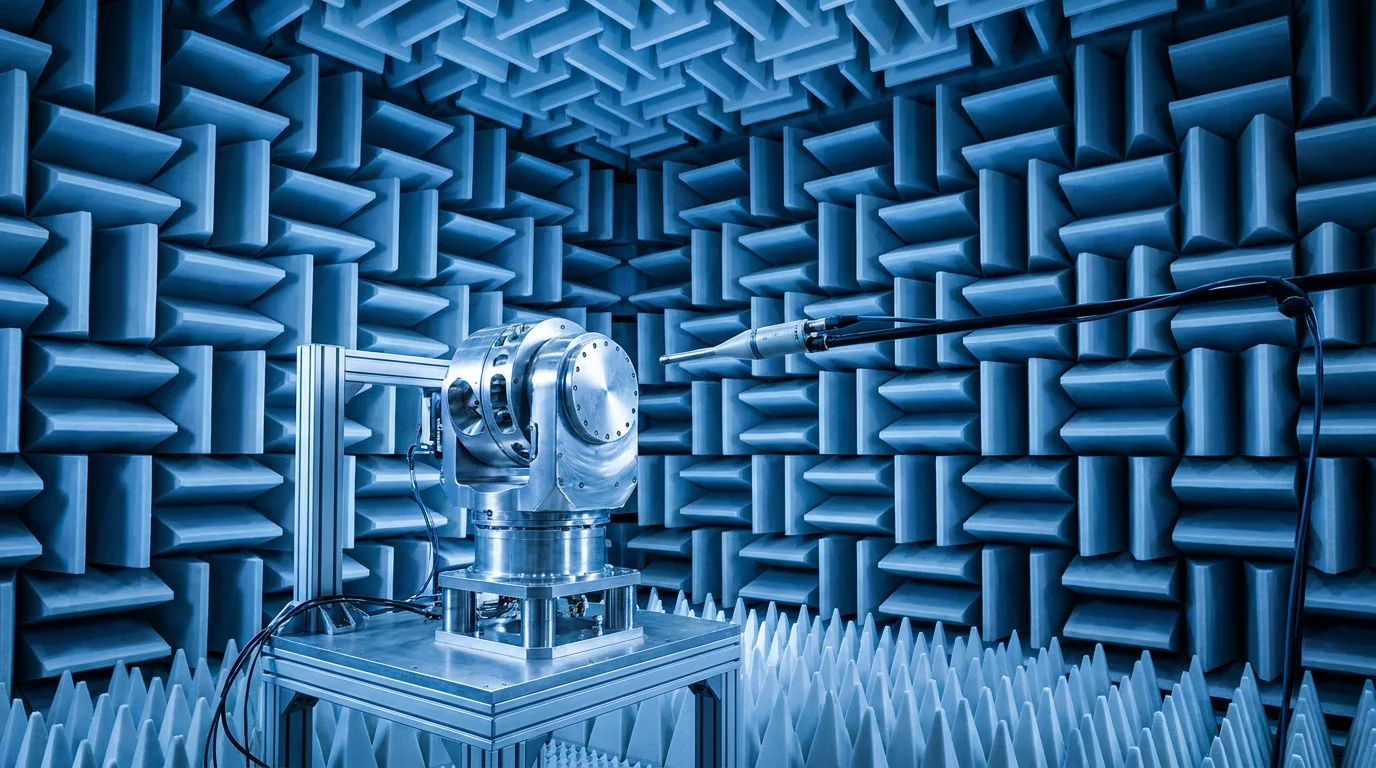
Technical illustration for CAD Integration for Robot Joint Modules: STEP Files and Design Workflows.
Mass Properties and Center of Gravity (CoG)
One of the most common mistakes in robot design is using 'generic' masses for the joints. An accurate simulation of robot dynamics depends on knowing exactly where the mass is distributed. Each of our CAD models comes with pre-defined material densities. This allows your CAD software to calculate the precise Center of Gravity (CoG) and Moments of Inertia for your entire arm. Knowing these values is essential for tuning your servo gains and ensuring the robot doesn't tip over during high-speed maneuvers.
Designing for Cable Management and Routing
Cables are often an afterthought in robot design, leading to tangles and premature failure. Our joint modules feature hollow-shaft designs or specific cable channels. In your CAD environment, you should 'path' your cables through these channels. By visualizing the cables in their 'worst-case' positions (at the extremes of joint travel), you can ensure that you have enough slack and that the cables aren't being pinched by the moving housings of the actuators.
Technical illustration for CAD Integration for Robot Joint Modules: STEP Files and Design Workflows.
Tolerances and Mounting Interfaces
A precision joint module is only as accurate as its mounting. Our CAD models specify the required tolerances for your custom-machined links. For example, if you are mounting an RHA-17 module, your link must have a flat, perpendicular surface to avoid putting 'side-load' on the harmonic drive. We provide 'Design Guides' alongside our CAD files that suggest the best bolt patterns and dowel pin locations to ensure a rigid and repeatable assembly.
From CAD to Simulation: Building the Digital Twin
The final step in the integration is exporting your CAD data to a simulation environment like NVIDIA Isaac Sim or Gazebo. Because you've used our accurate CAD models, the transition is seamless. You can export the URDF directly from your CAD software, including the visual meshes and the collision geometry. This 'Digital Twin' allows you to test your code in a safe, virtual environment before ever powering up the physical hardware, significantly reducing the risk of a first-run collision.
Ready to start your build?
Our engineering team is ready to help you select the perfect robot joint modules for your application. Get expert advice and a custom quotation within 24 hours.
Get a Quote & DatasheetRelated articles you might find useful: