The Robot Operating System 2 (ROS2) has become the gold standard for modern robotics development. For engineers building custom robotic arms, the integration of hardware joint modules into the ROS2 ecosystem is a critical milestone. This guide provides a step-by-step technical walkthrough on how to connect your integrated actuators to ROS2, ensuring precise control and seamless communication.
Understanding the ROS2 Control Architecture
Before diving into code, it's essential to understand how ROS2 communicates with hardware. The `ros2_control` framework acts as the middleware between your high-level controllers (like MoveIt 2) and the physical joint modules. It utilizes a Hardware Abstraction Layer (HAL) that allows you to swap different actuators without changing your upper-level logic. For PlaPivot joint modules, which typically use CANopen or EtherCAT, the `ros2_control` framework provides the necessary real-time capabilities to manage multiple axes simultaneously. You will need to define a 'Hardware Interface' that translates ROS2 commands into the specific bus protocols used by your actuators.
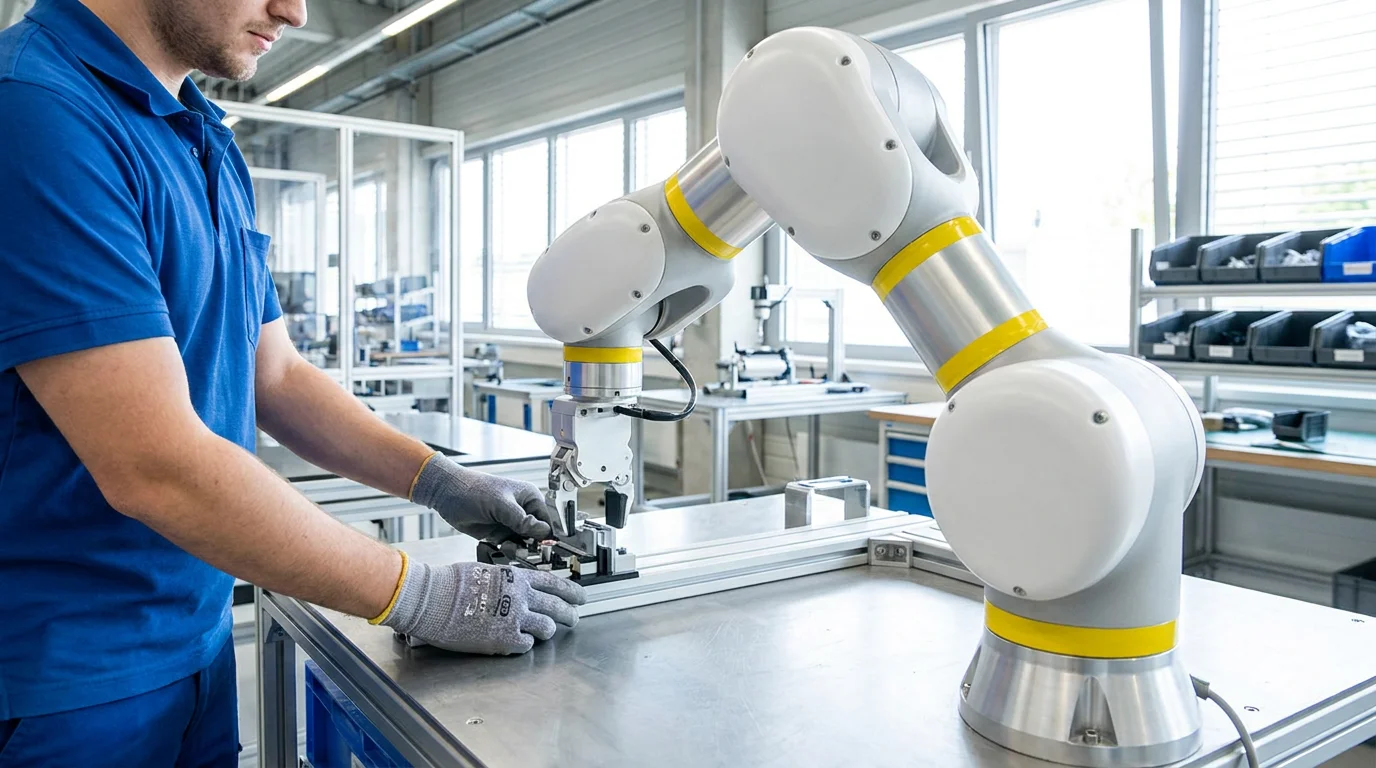
Technical illustration for ROS2 Integration for Robot Joint Modules: Step-by-Step Setup.
Configuring your URDF and Semantic Description
The Unified Robot Description Format (URDF) is the source of truth for your robot's physical structure. For each joint module, you must specify the limits, dynamics, and transmission types. In ROS2, the `
Setting Up the CANopen/EtherCAT Communication Bus
Most high-performance joint modules communicate via industrial buses. If you are using CANopen, the `ros2_canopen` stack is your best friend. You'll need to create a configuration file (`bus.yml`) that maps the PDO (Process Data Object) and SDO (Service Data Object) parameters. This ensures that the 'Target Position' and 'Status Word' are updated at the required frequency (typically 100Hz to 1000Hz). For EtherCAT systems, using the IgH EtherCAT Master or SOEM with a dedicated ROS2 wrapper provides the low-latency performance required for advanced force control and haptic feedback. Ensure your network card supports the necessary real-time patches (PREEMPT_RT) for stable operation.
Technical illustration for ROS2 Integration for Robot Joint Modules: Step-by-Step Setup.
Implementing the Hardware Interface Class
The heart of the integration is the C++ Hardware Interface class. This class implements the `on_init`, `on_activate`, `read`, and `write` methods. During the `read` cycle, the driver pulls the current encoder counts and motor current from the joint modules. In the `write` cycle, it sends the calculated setpoints from the ROS2 controllers to the hardware. For PlaPivot modules, our SDK provides pre-built templates that handle the bit-masking and data conversion, allowing you to focus on the high-level motion planning. Testing this layer with a single joint module first is highly recommended before scaling up to a full multi-axis system.
Testing and Troubleshooting the Integration
Once the software stack is configured, start by running the `joint_state_publisher` and `robot_state_publisher`. If you see your robot model moving correctly in RViz2 while manually turning the joints, your feedback loop is working. For the command loop, use the `ros2 control send_joint_command` utility to move a single joint by a few degrees. Common issues include incorrect gear ratios in the URDF, mismatched baud rates on the communication bus, or inadequate power supply current during acceleration. Always monitor the 'Error Code' register of the joint module to diagnose internal faults like over-voltage or tracking errors.
Ready to start your build?
Our engineering team is ready to help you select the perfect robot joint modules for your application. Get expert advice and a custom quotation within 24 hours.
Get a Quote & DatasheetRelated articles you might find useful: